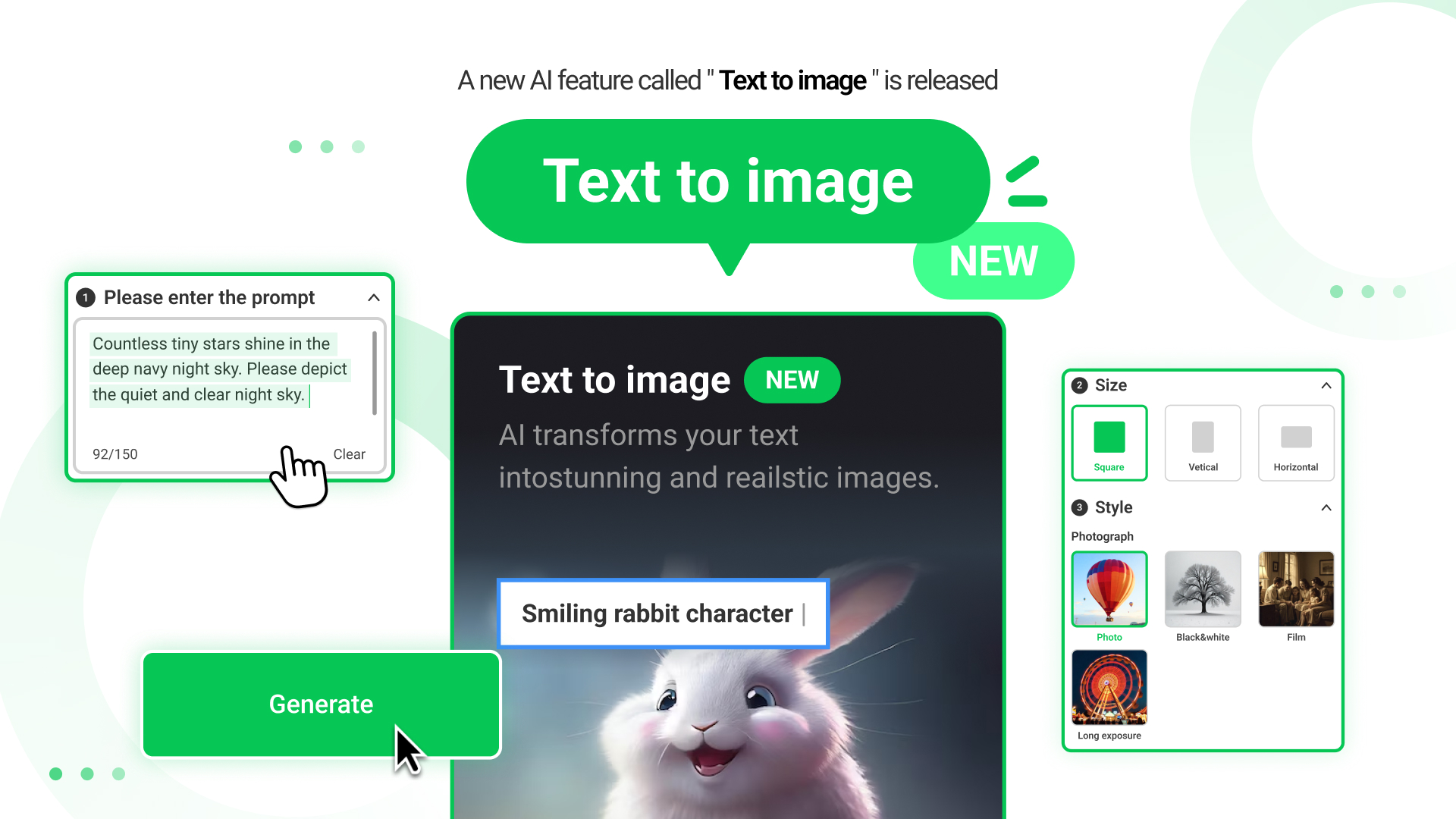
With this newly introduced feature, advertisers can now create the images they want simply by entering text.
By bringing the visuals you imagine to life, it is now possible to produce ads more creatively and efficiently.
01 Introduction to the Text to image feature
Text to image is a feature that uses AI to generate images based on text you input.
When you specify the style and size you want, you can create images better suited for advertising.
The generated images can be used immediately for making creatives, significantly enhancing efficiency.
02 How to access the Text to image feature
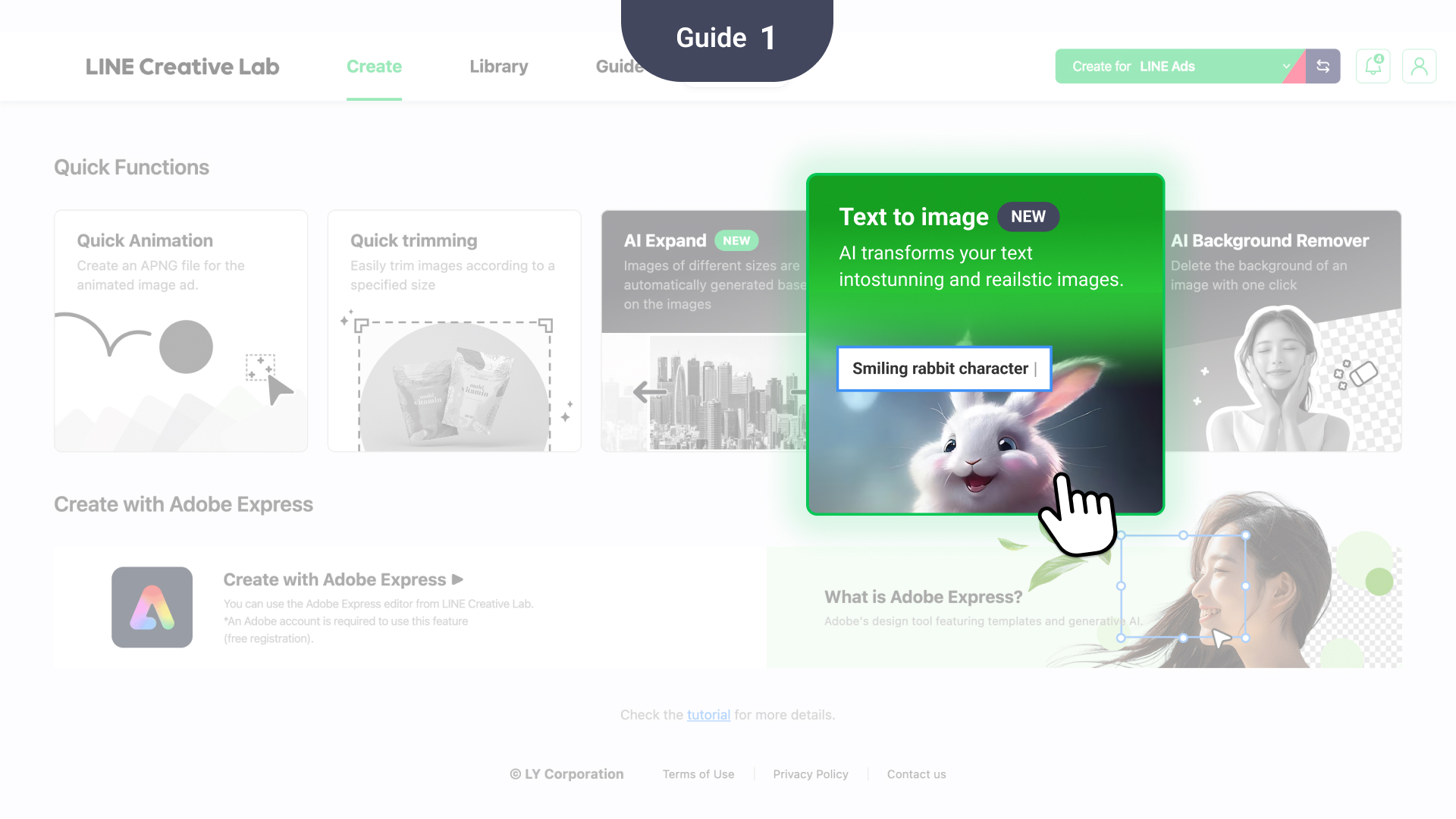
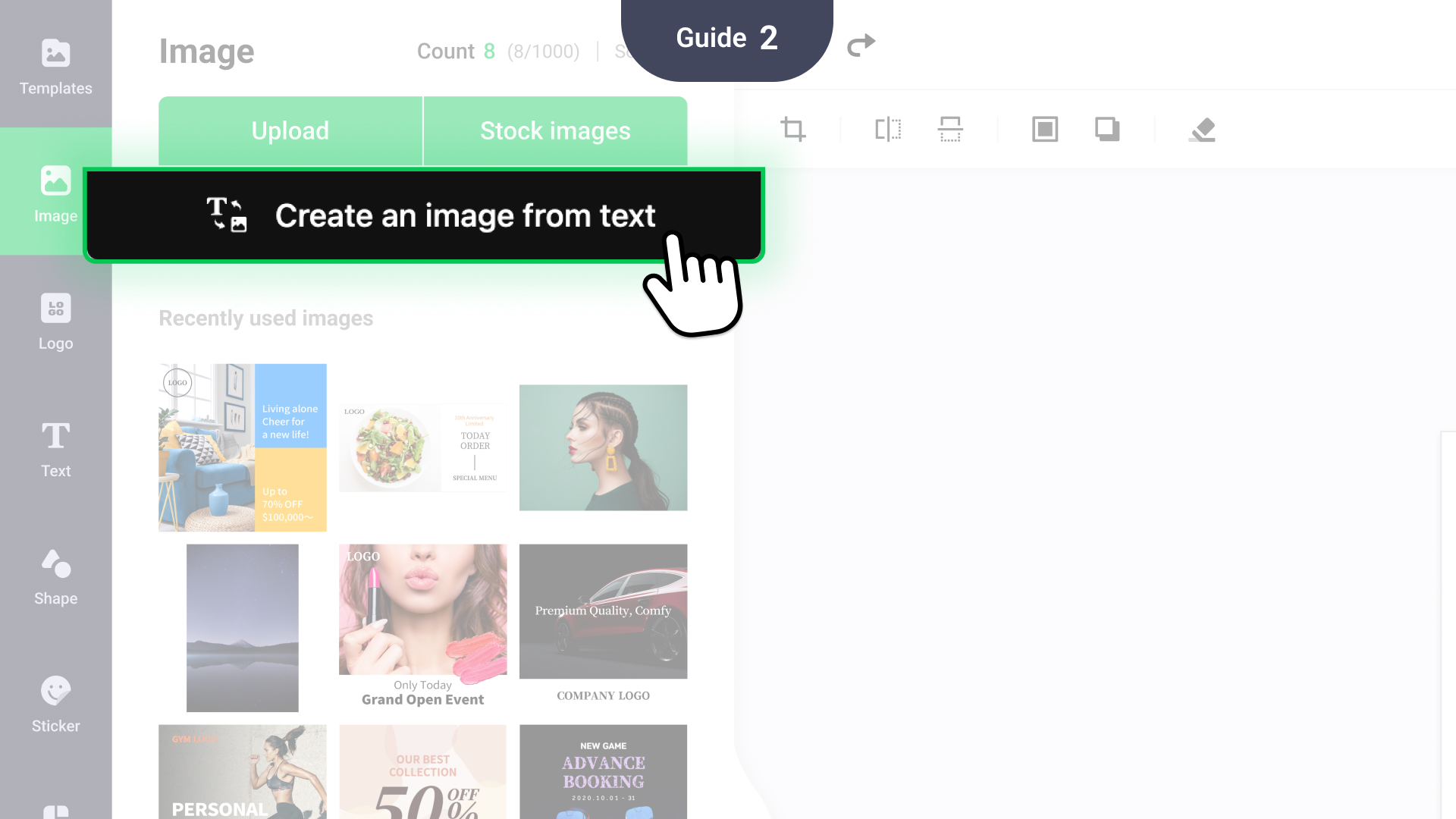
- Quick Functions
- You can access the Text to image feature from the Quick Functions section on the Create page.
- Simply click the feature to open it. - Image editor
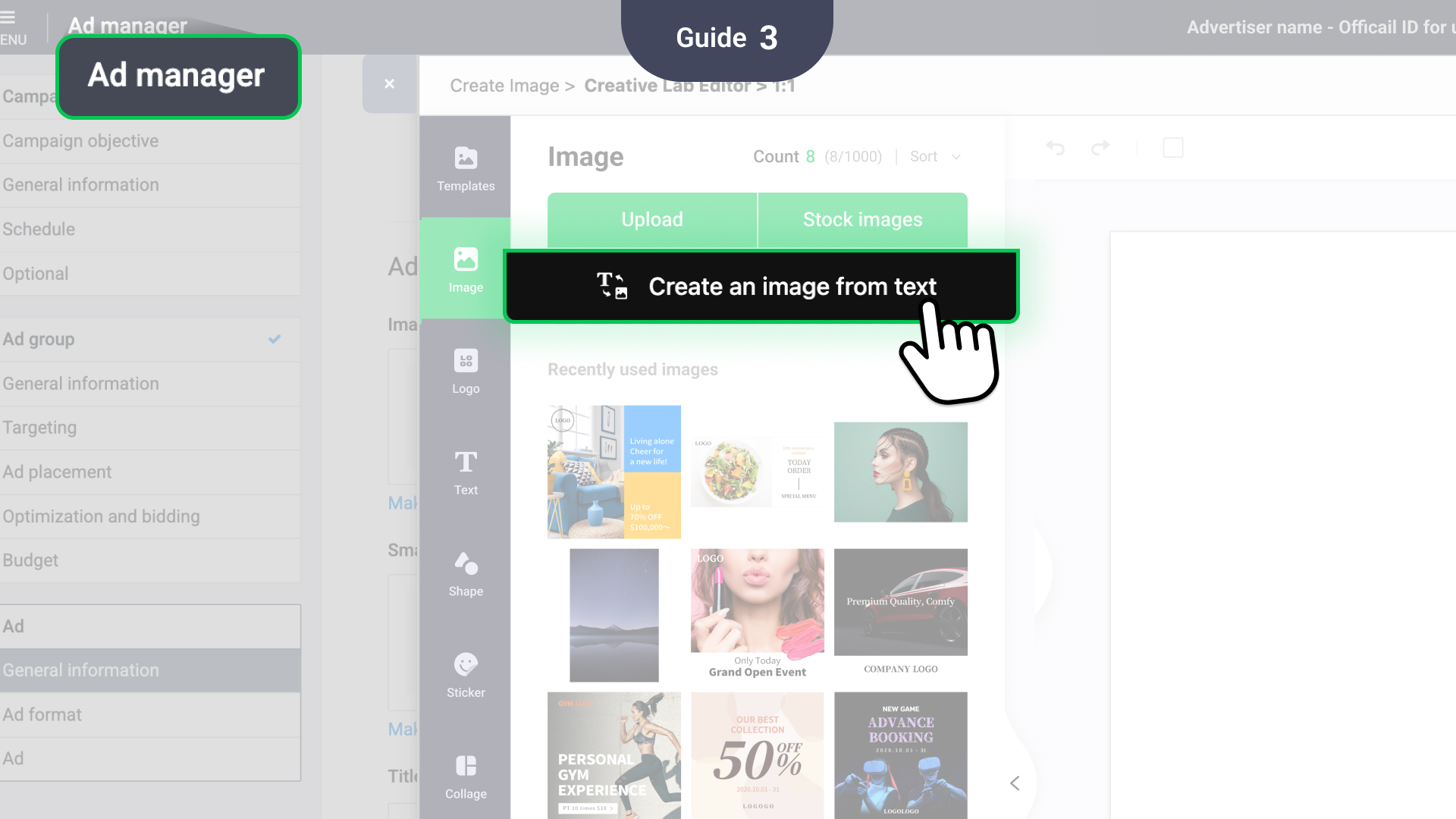
- You can also access the Text to image feature under the Image tab in the image editor. - LINE Ads CMS
- The Text to image feature is also available through LINE Ads CMS .
03 General specifications
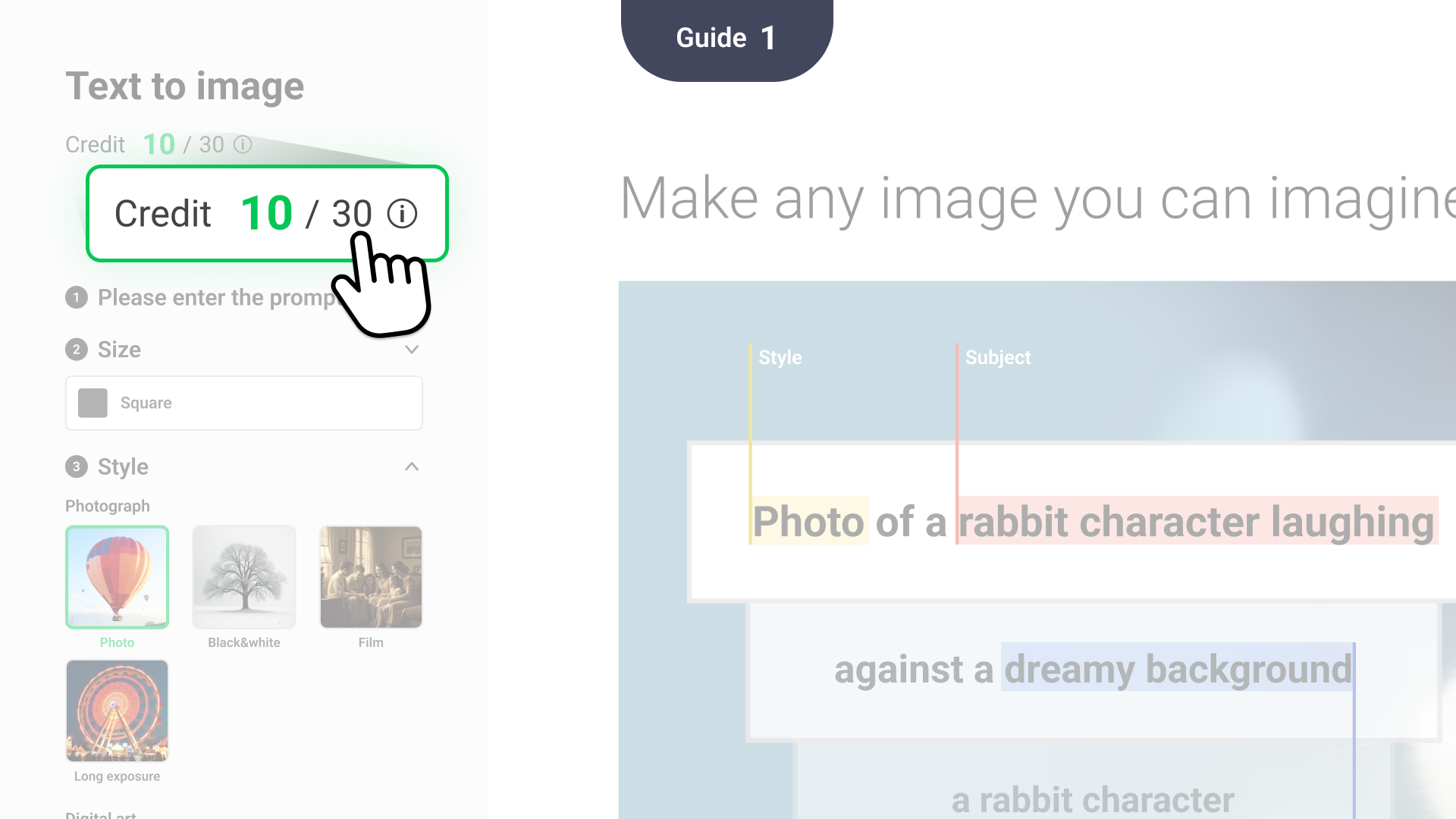
Step1
You will receive 30 credits each month, which allow for free use of AI features.
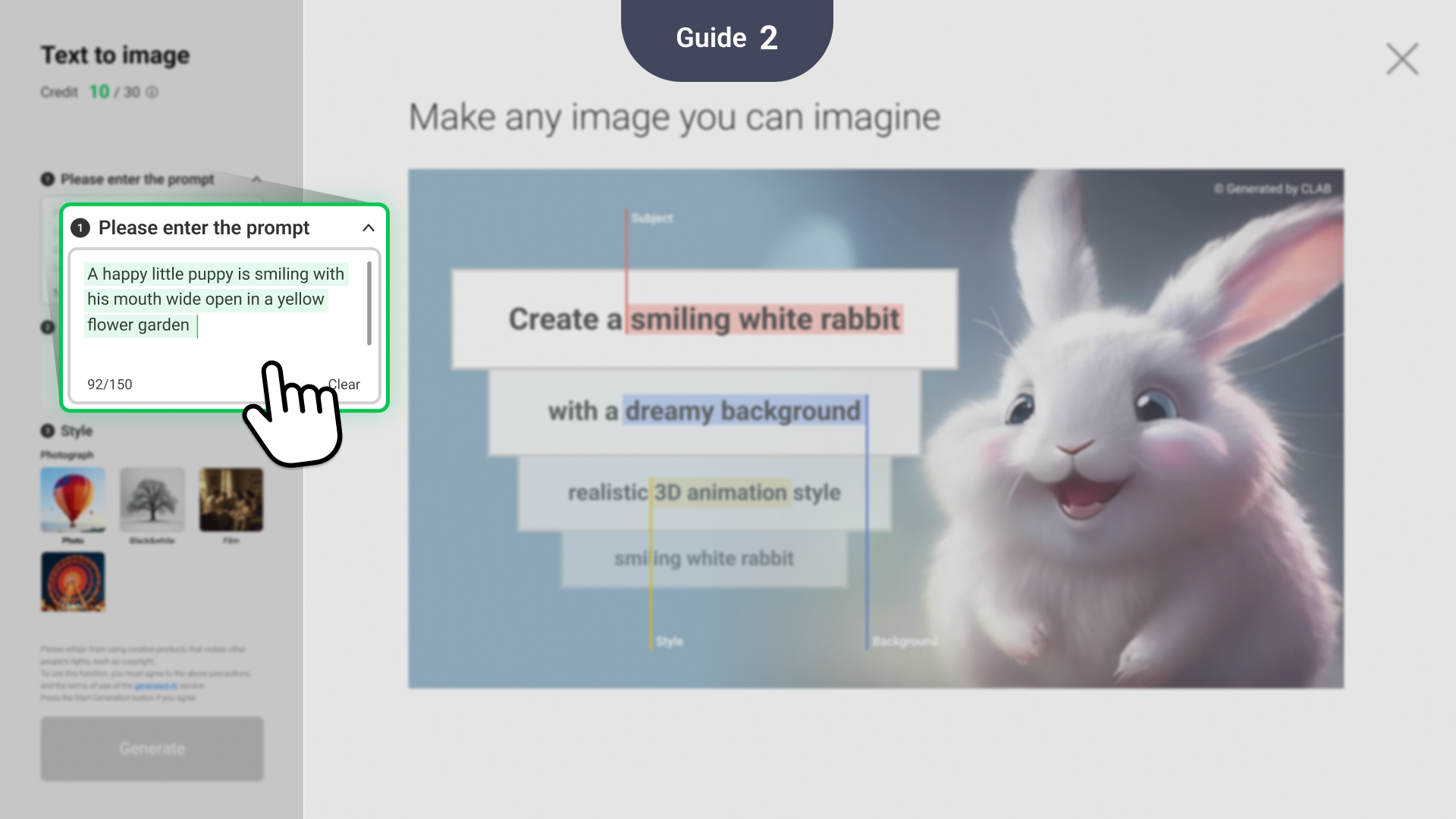
Step2
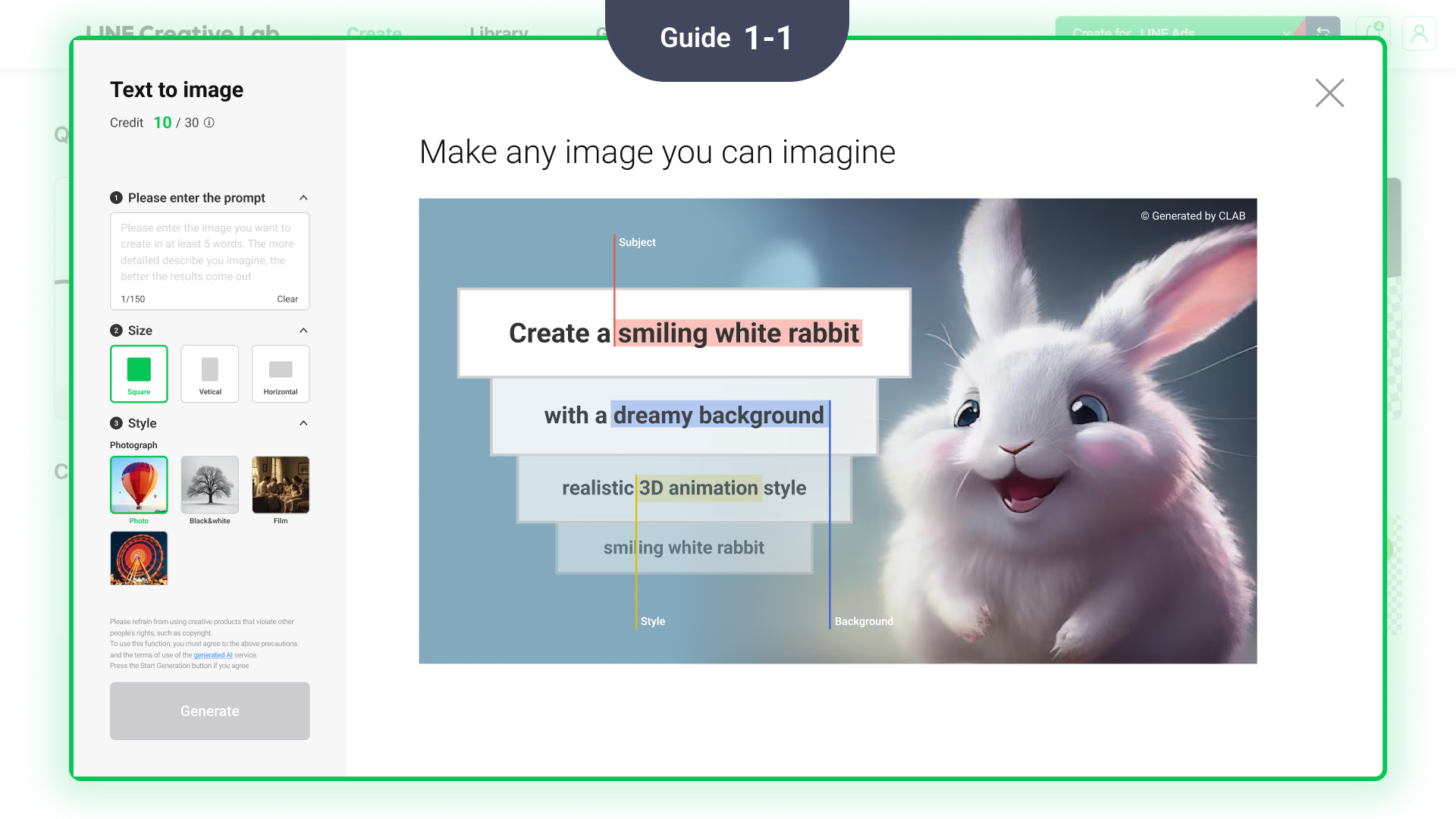
Enter text describing the image you want to have the AI generate.
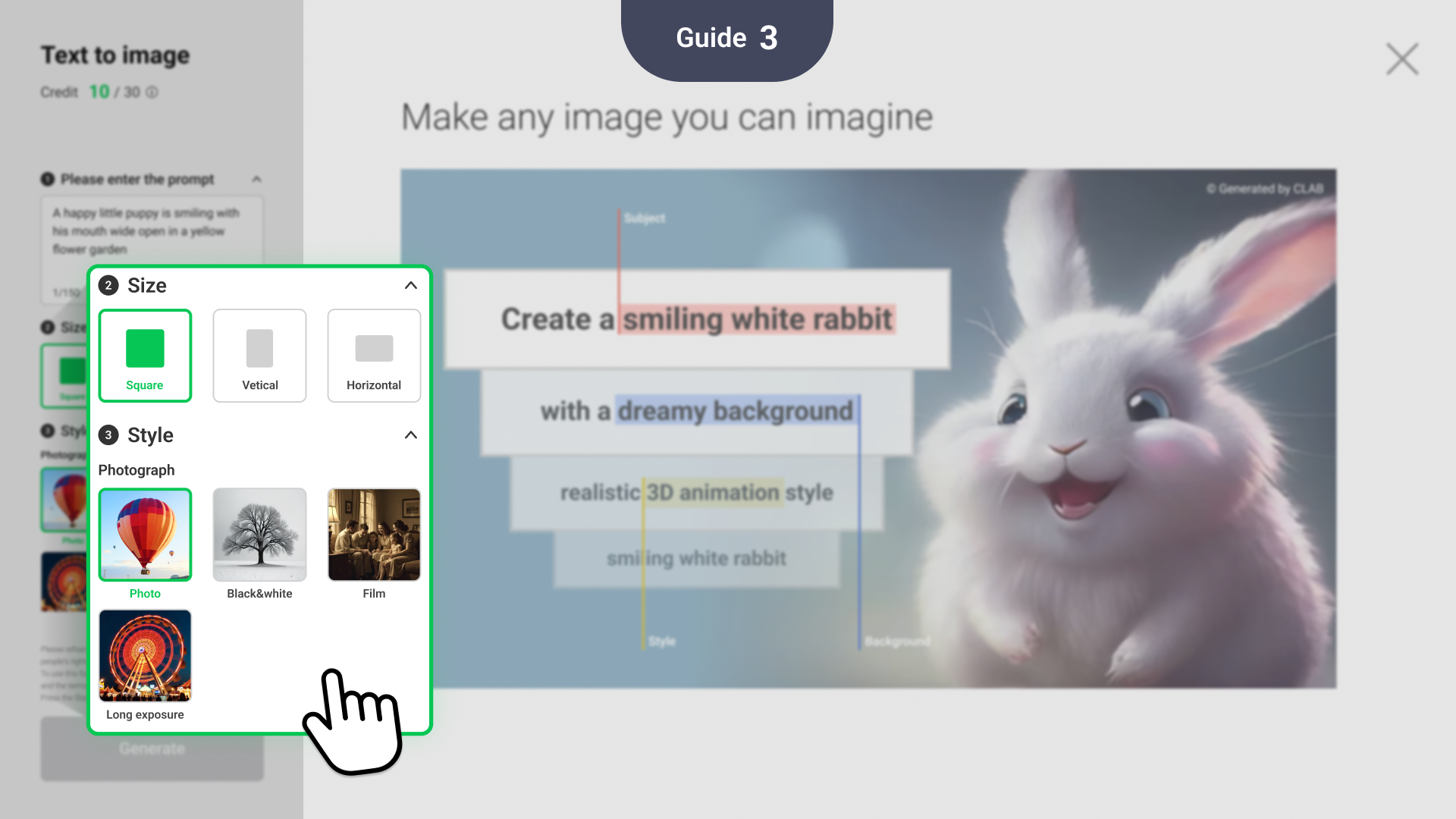
Step3
Specifying both the style and size options makes it easier to create images optimized for advertisements.
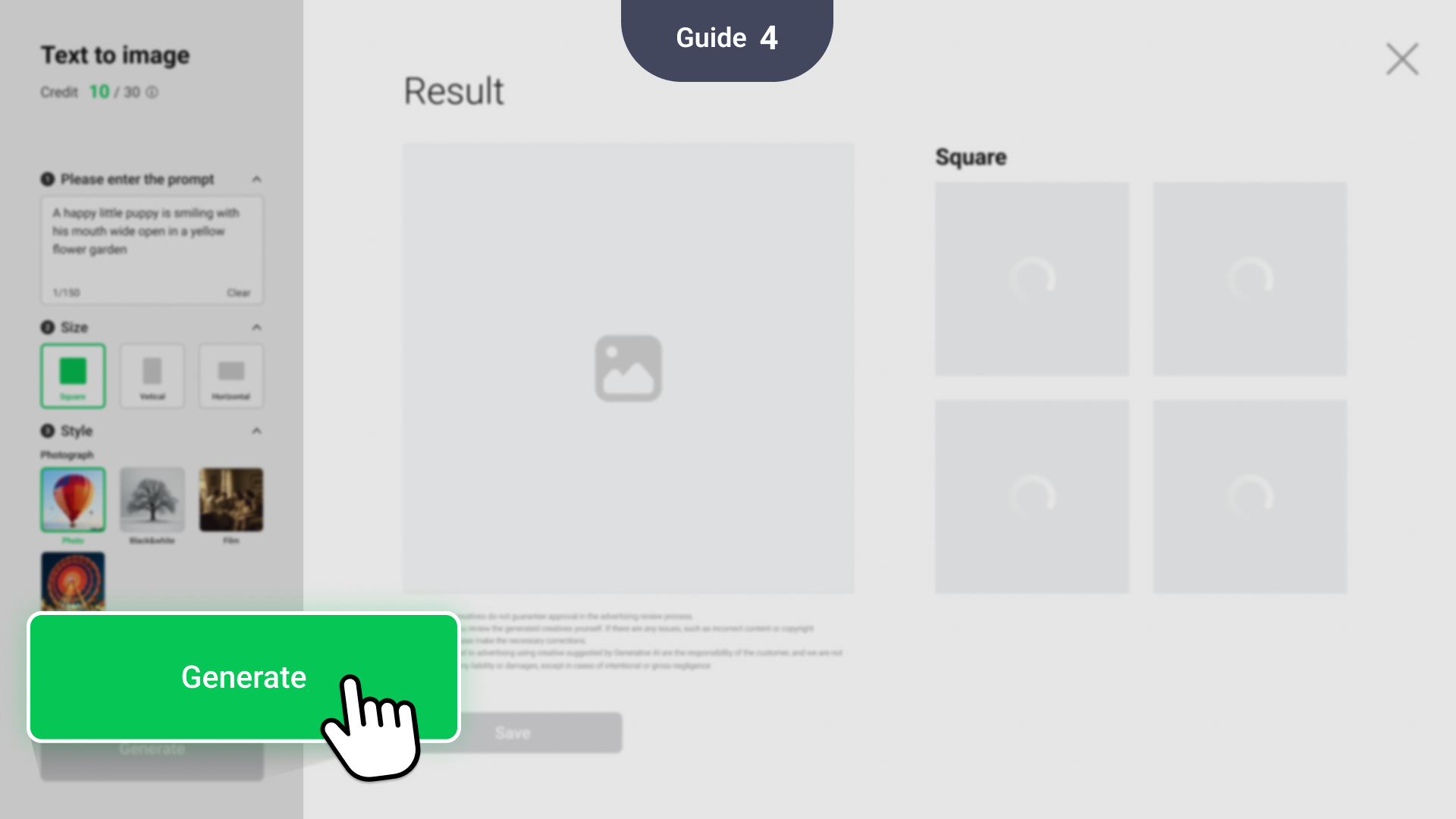
Step4
Click Generate to create the image.
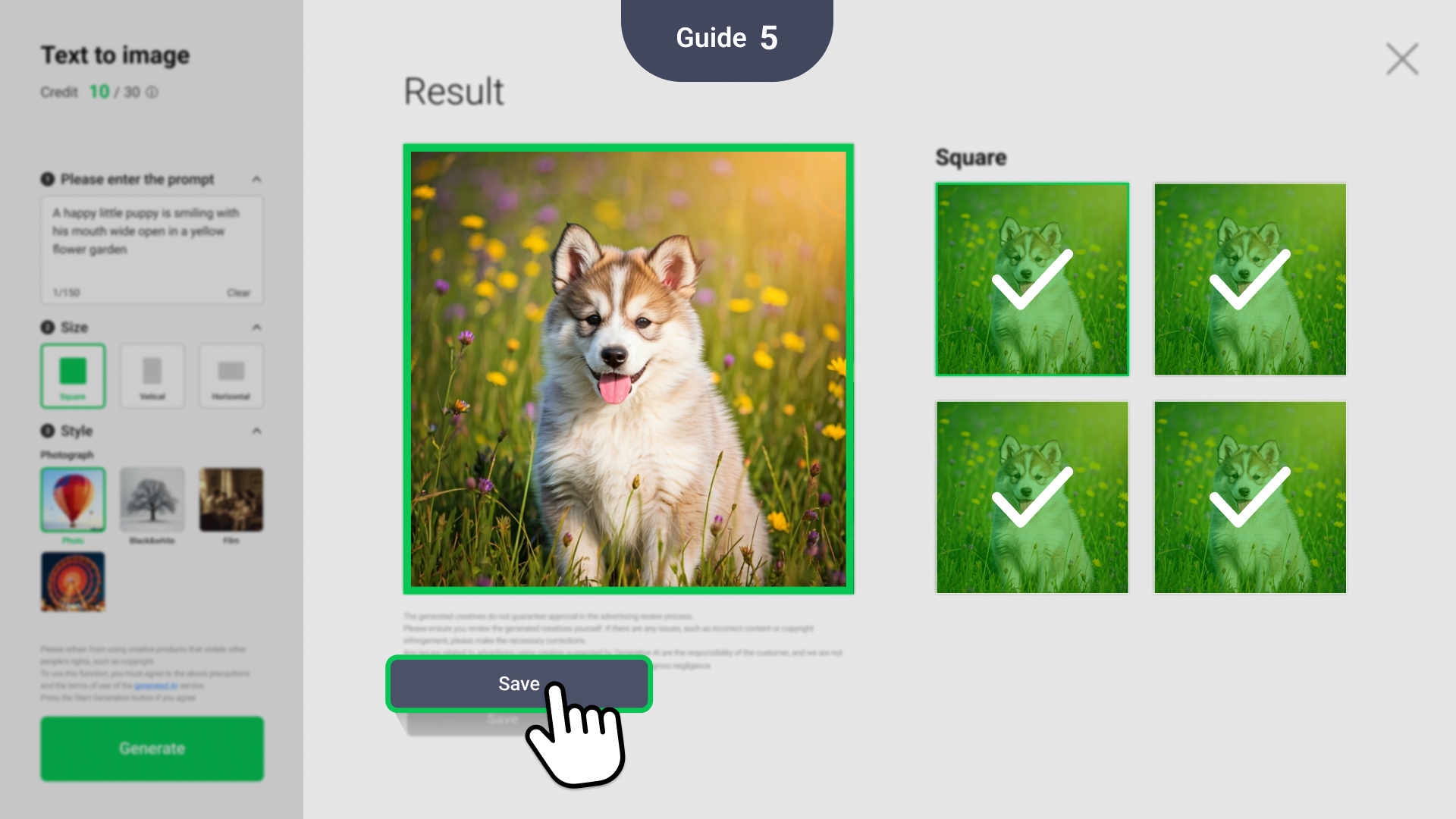
Step5
Select your preferred image from the generated options and click Save to store it as an asset.
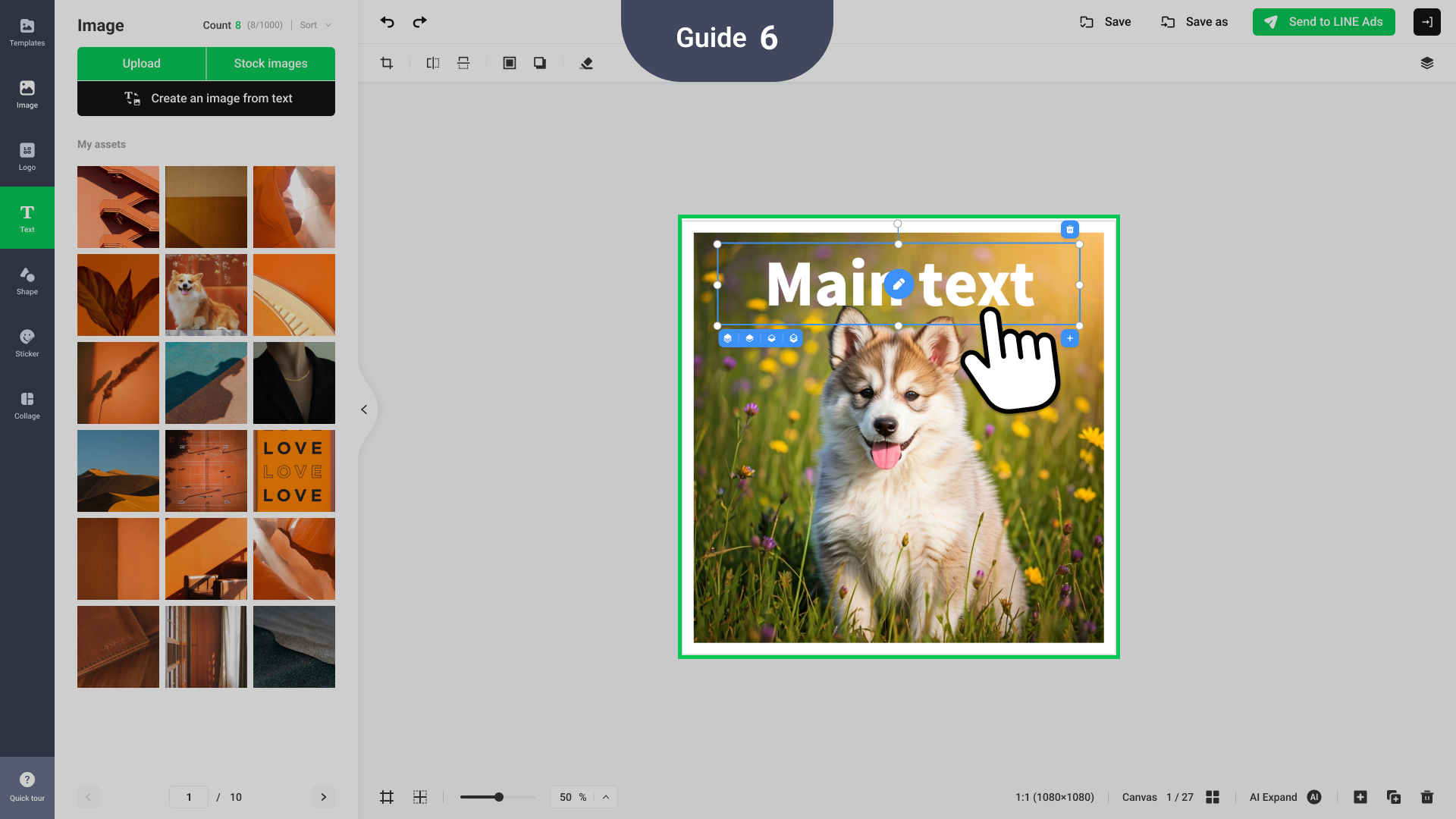
Step6
Saved images can be used to make a variety of creatives and banners.
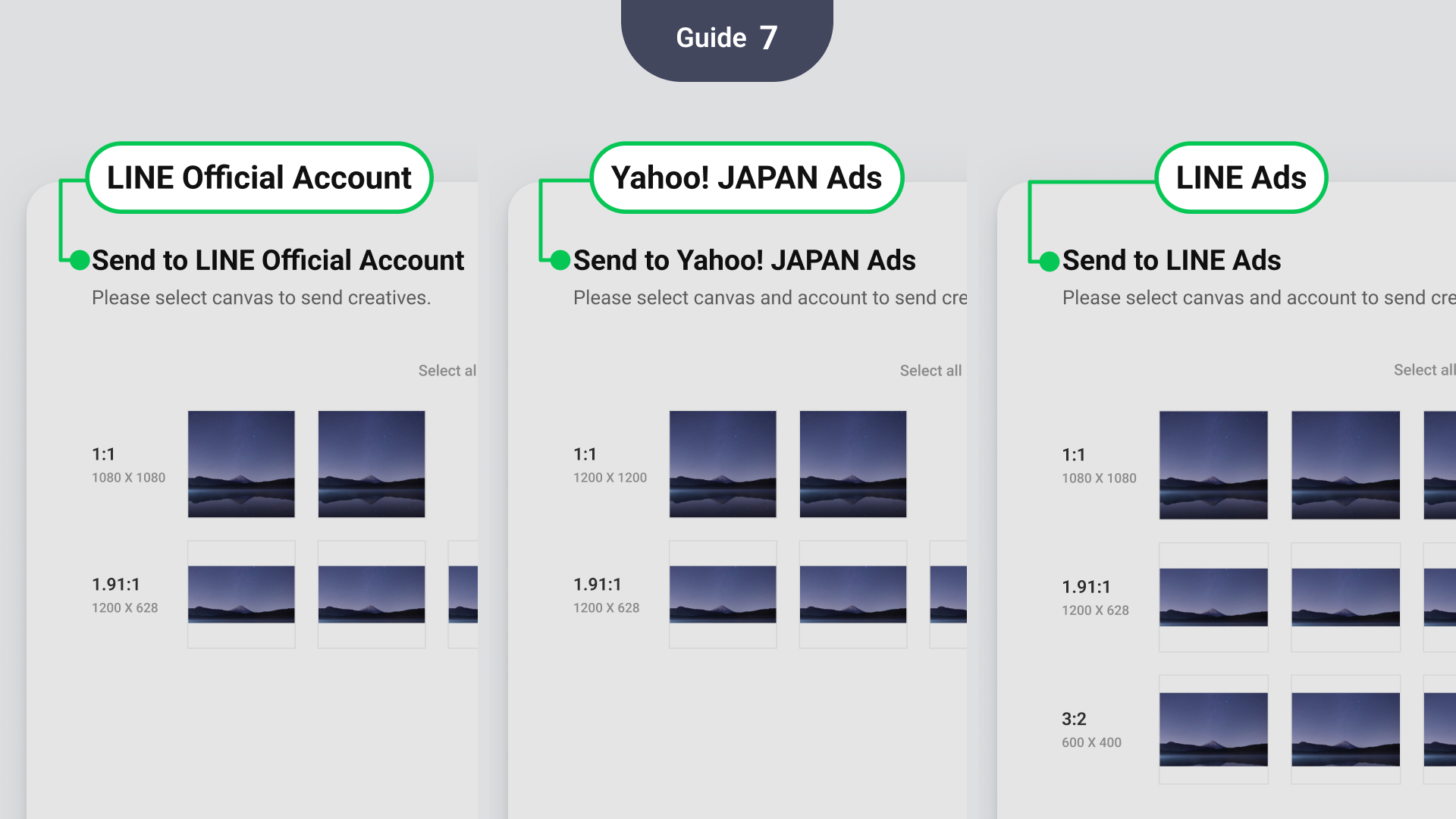
Step7
After making images, you can share them across different CMS platforms (LINE Ads, Yahoo! JAPAN Ads, LINE Official Account) for advertising use.
Prompt input guide
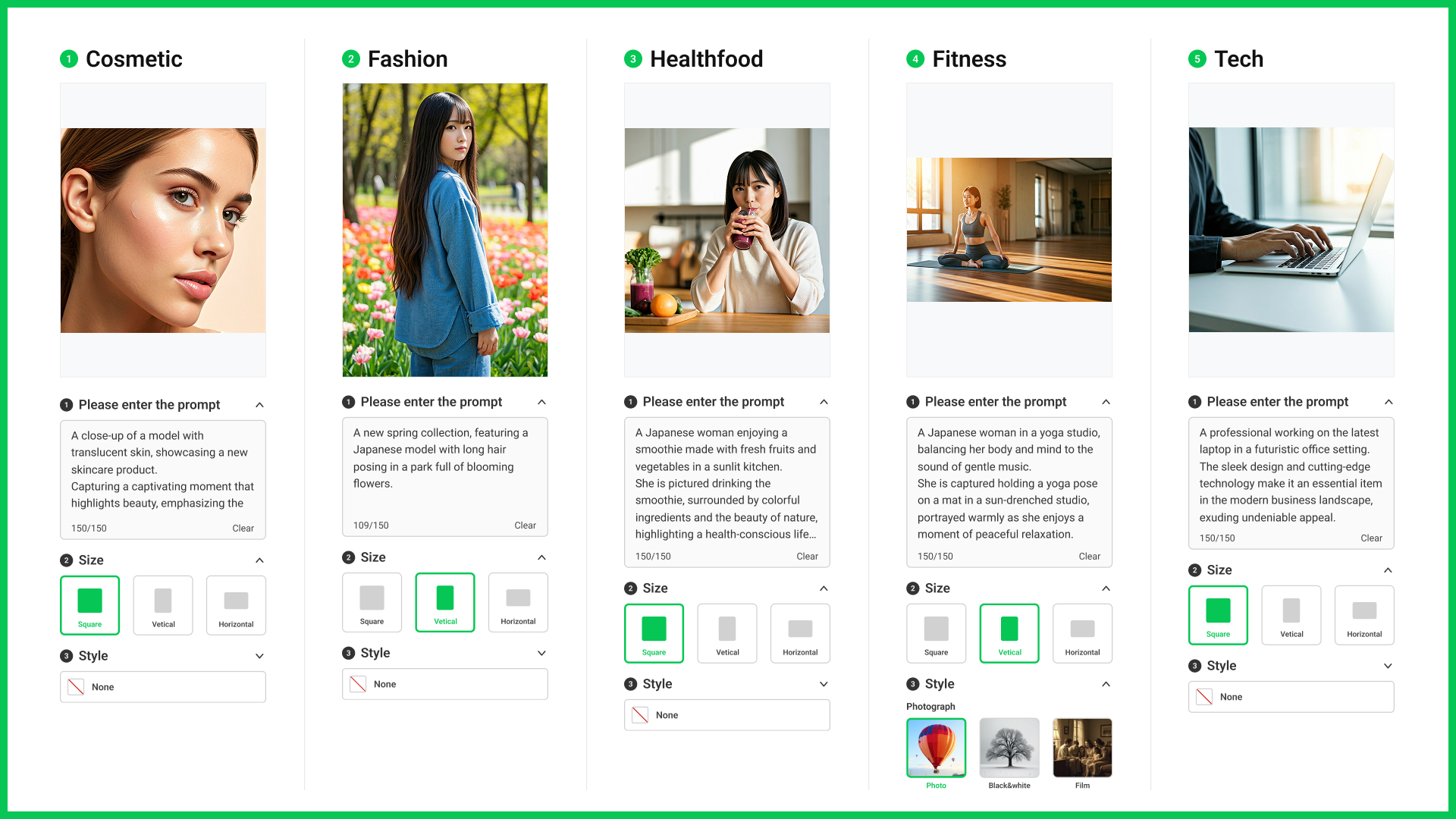
| Advice | Overly vague prompt | Improved prompts |
| Please specify the subject clearly | Lipstick, trendy design | A lipstick ad with a 20 yr old Japanese woman, long wavy hair, smiling, holding lipstick. |
| Describe the context and background | Natural background | Set in a dark studio background,showing only upper body. |
| Provide style information | - | Studio photography style with lighting coming from the upper left side. |
04 Other key updates
It is now possible to send the same creative to multiple accounts.
How to use
Select the service you want to send the creative
Make the creative in a format supported by the selected service.
Once the creative is made, select the service and one or more accounts to send it.
You can select multiple services and accounts at once to send in batches.
※ You must agree to the [LINE Creative Lab Generative AI Service Terms of Use] before using the service.
※ The LINE Yahoo Common Terms of Use apply.
This feature uses the Gemini API provided by Google LLC and the OpenAI API provided by OpenAI, L.L.C. and OpenAI OpCo, LLC.
※ Please comply with the terms provided by Google LLC:
① Google API Terms of Service [https://developers.google.com/terms]
② Gemini API Additional Terms of Use [https://ai.google.dev/gemini-api/terms]
③ Google Cloud Terms of Service [https://cloud.google.com/terms/service-terms] and Acceptable Use Policy [https://cloud.google.com/terms/aup]
※ Also comply with the terms provided by OpenAI, L.L.C. and OpenAI OpCo, LLC: https://openai.com/policies [https://openai.com/policies]
※ The generated creative is not guaranteed to pass ad review. If the creative does not meet advertising standards or has issues, please make the necessary modifications.
Unless due to our willful misconduct or gross negligence, we bear no responsibility for any problems related to advertisements using creatives suggested by generative AI—such responsibility rests with the customer.