
Adobe Express editor
The Adobe Express editor is now available to help Yahoo! JAPAN Ads users make richer creatives.
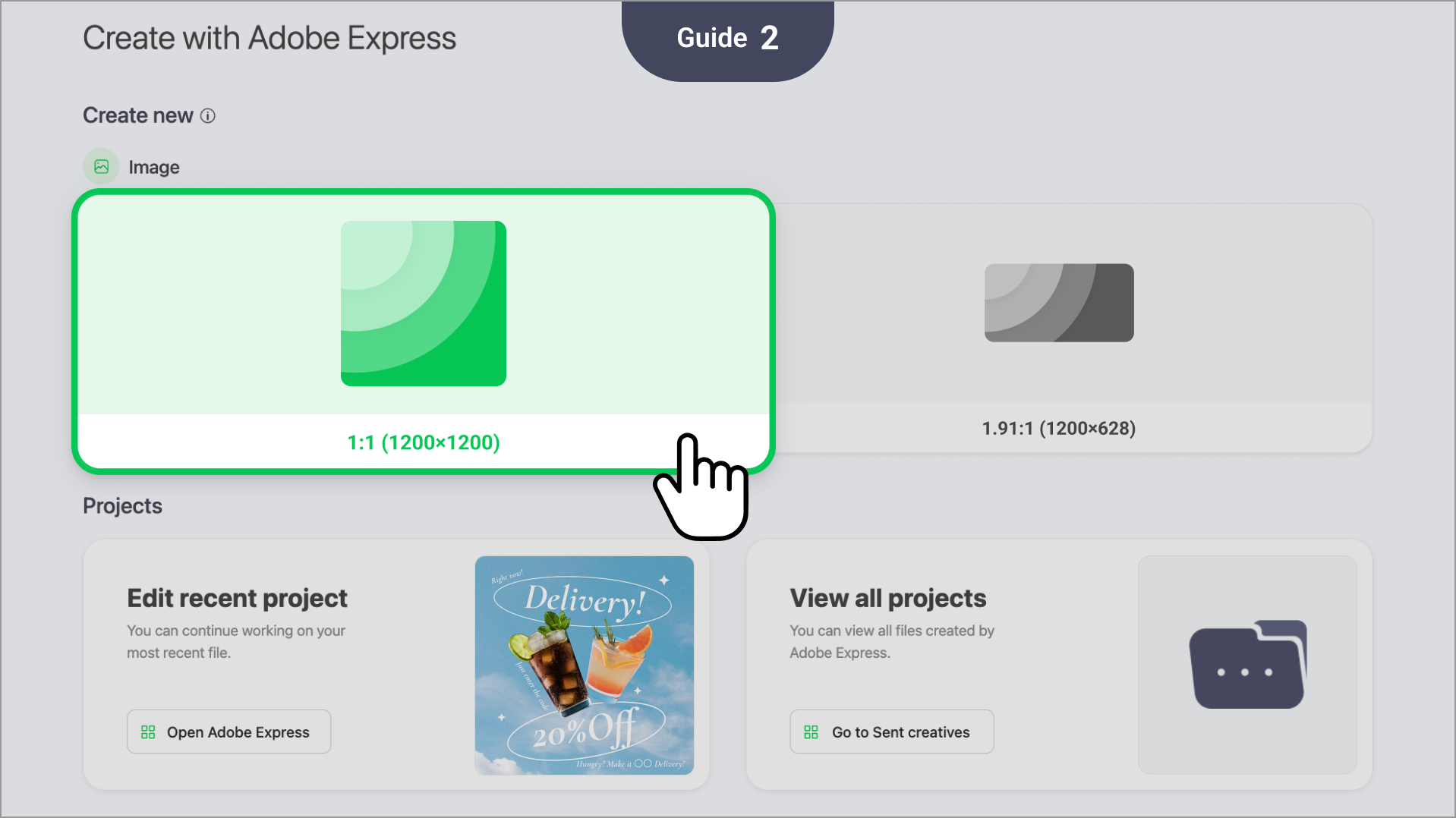
01 Supported creative sizes
| Yahoo! JAPAN Ads Display Ads - Images |
| 1:1 (1200x1200) |
| 1.91:1 (1200x628) |
02 How to use the Adobe Express editor
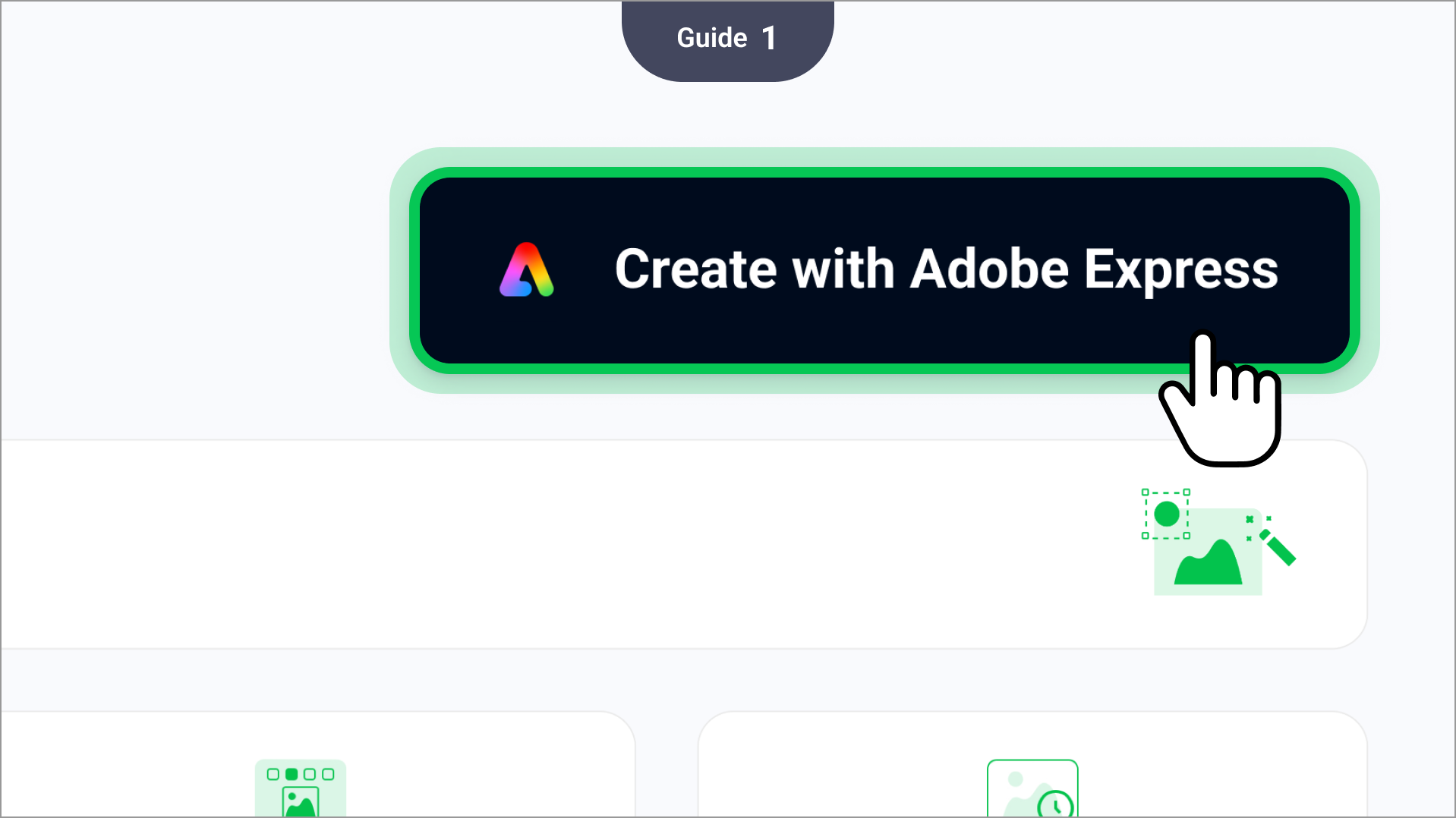
- Click Create with Adobe Express on the Create page.
Select the type of creative you want to make in the "Create new" section to enter the Adobe Express editor.
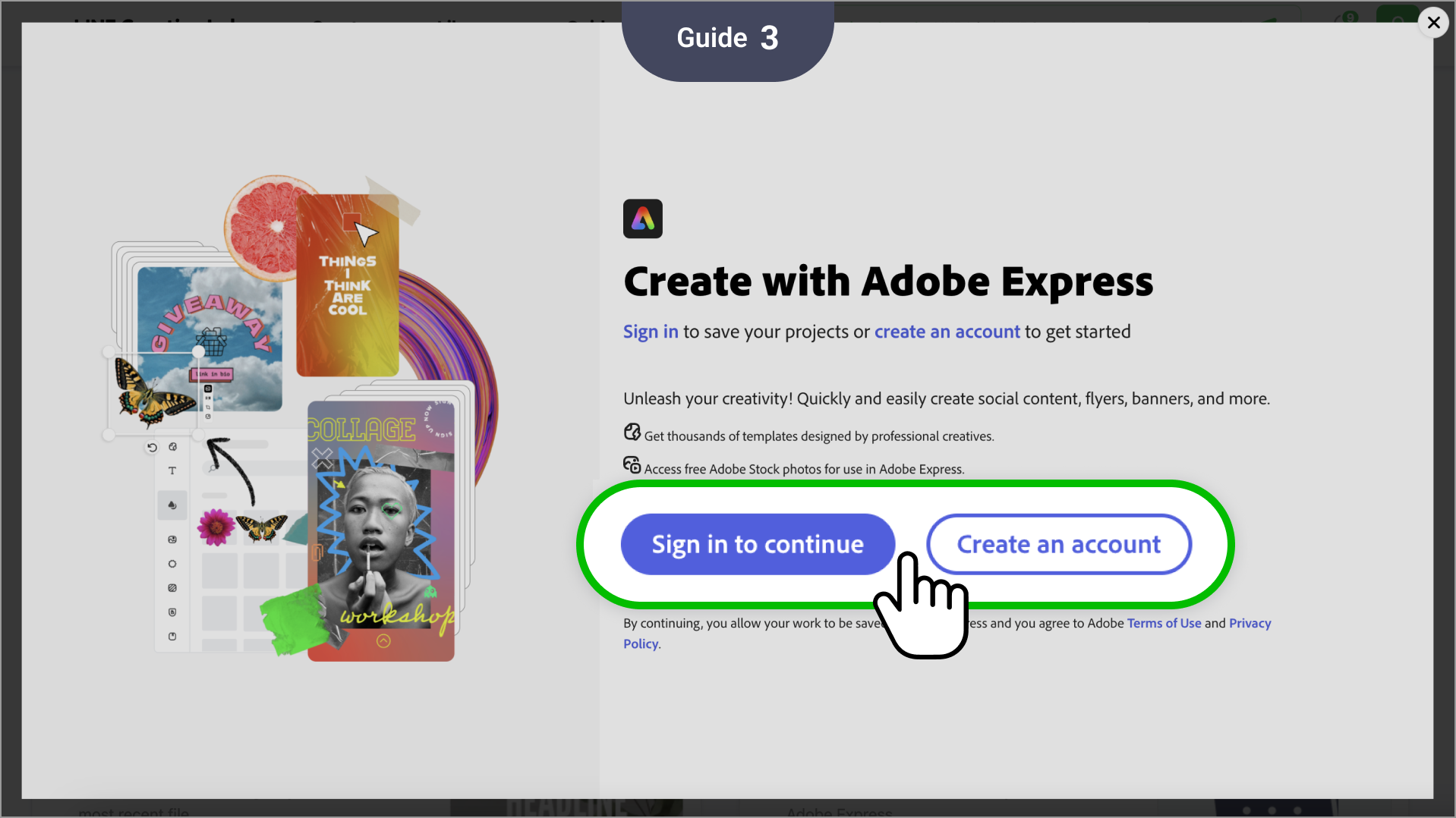
Log in to Adobe.
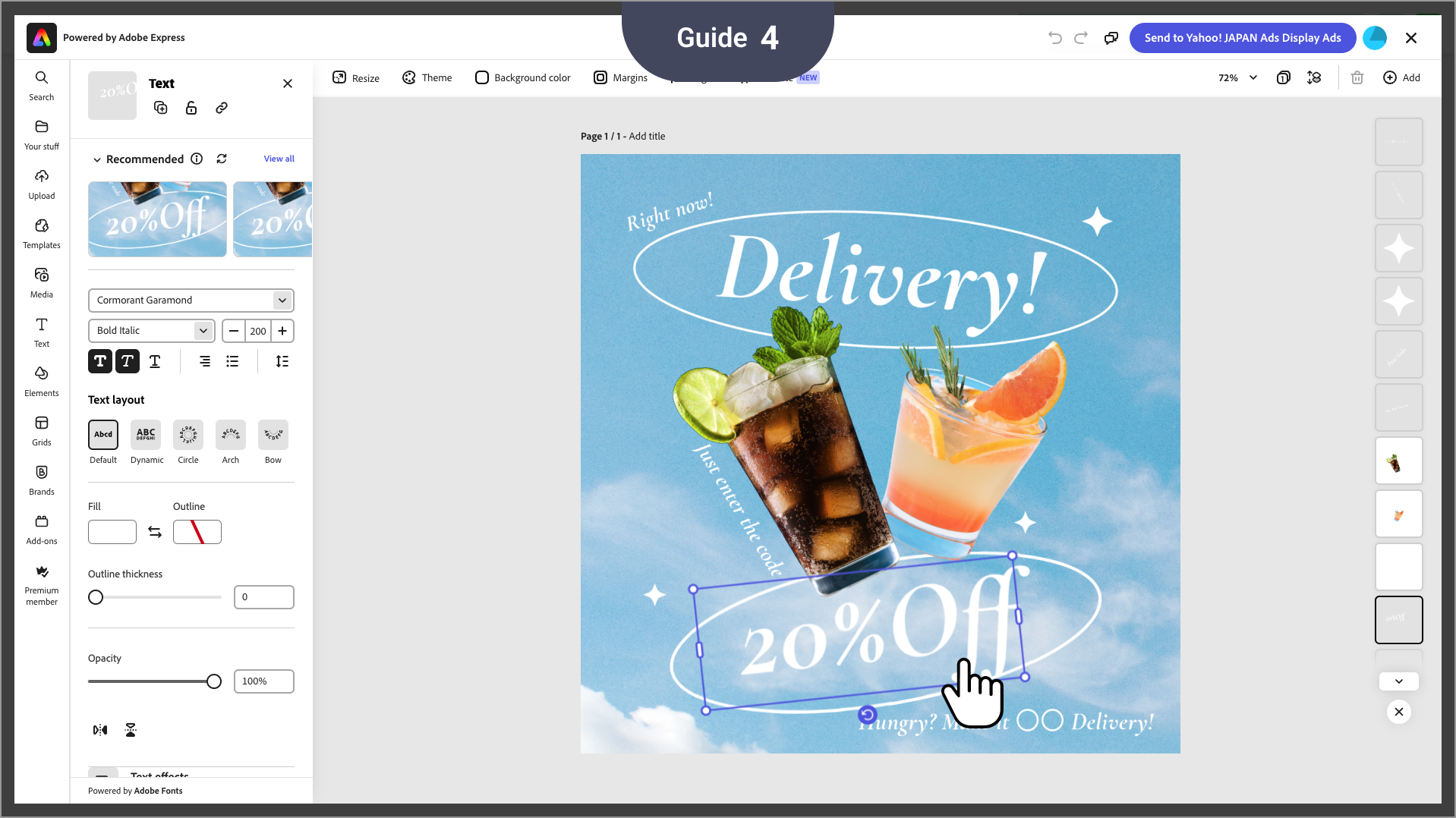
Make your creative using Adobe's templates and features.
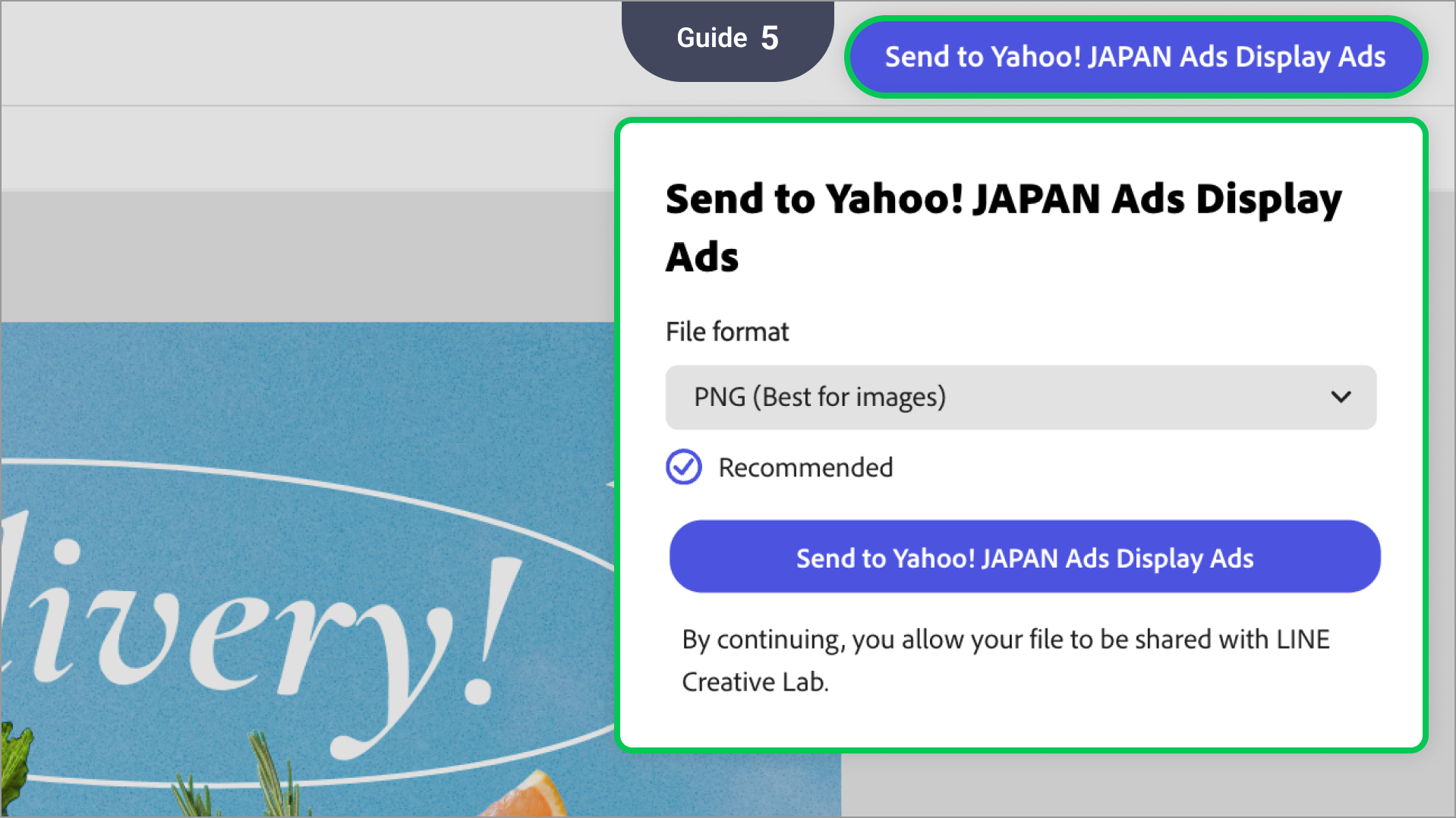
- Once you've made your creative, click Send to Yahoo! JAPAN Ads Display Ads at the top right of the screen to send it to Yahoo! JAPAN Ads for use in making ads.
03 Managing your creatives
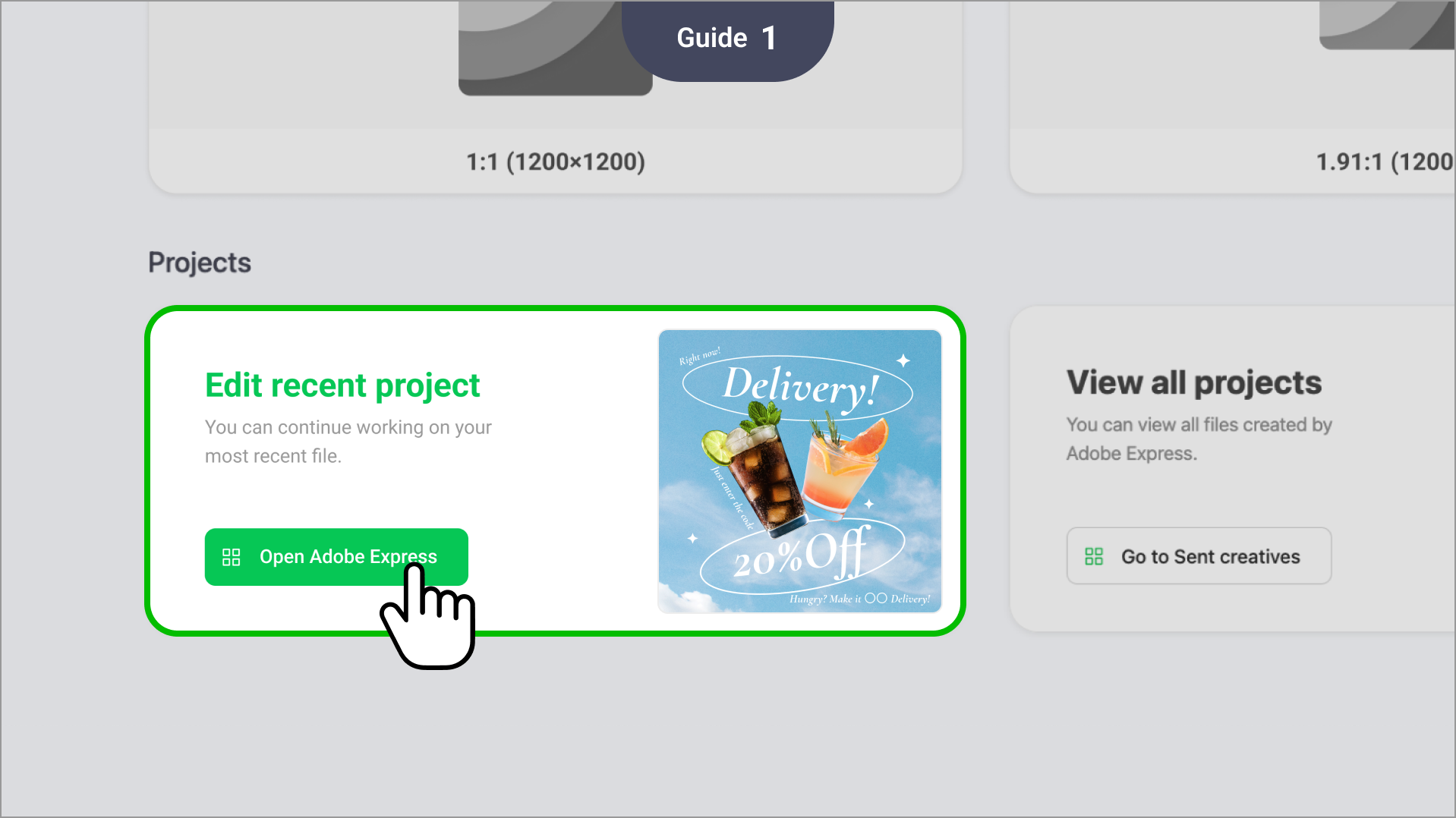
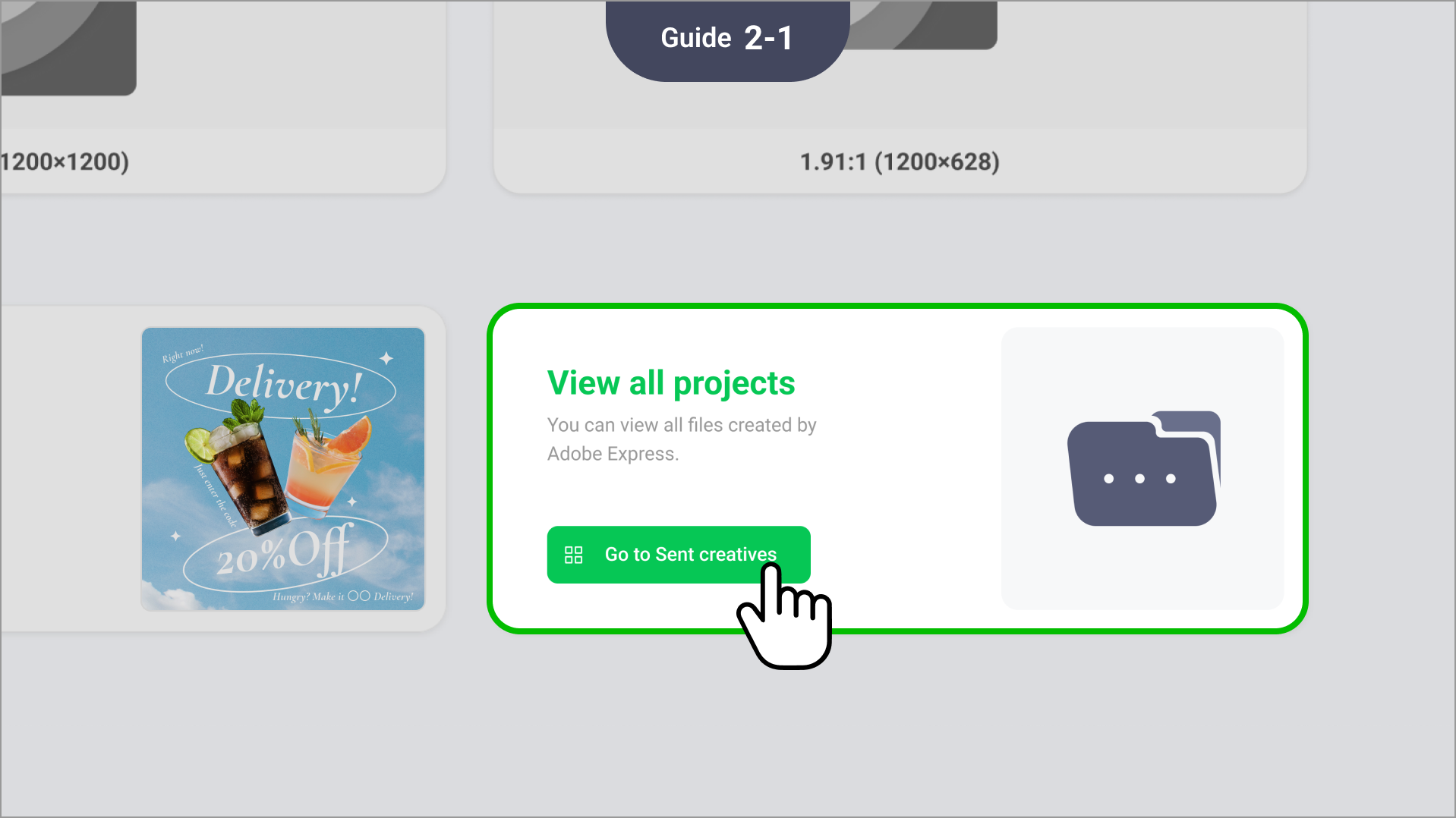
Select from the "Project" section on the Create with Adobe Express page
Edit recent project: You can continue working on your most recent projects.
- View all projects: Directs you to the Sent creatives tab from Library > My creatives with Filter > Adobe Express under "Created by" applied to show the full list of creatives made with Adobe.
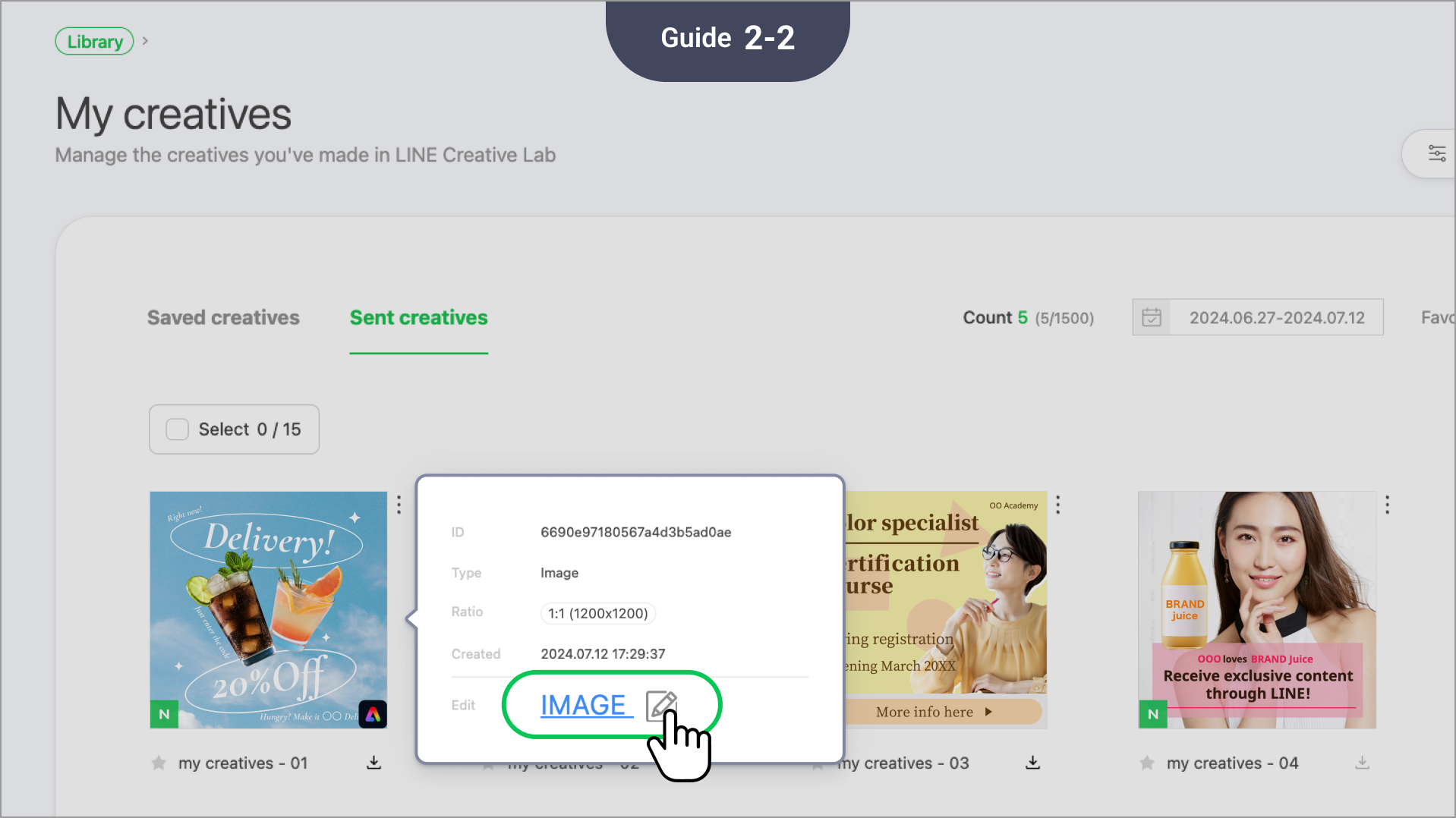
You can also make additional edits to a sent creative by clicking the options icon at its top right > View info > the edit icon to the right of "Edit."