
Produce 3:2 ratio image and video creatives
for Yahoo! JAPAN Ads Display Ads and explore new template recommendations
Accelerate your creative workflow with the new template recommendations for 3:2 ratio image and video ads optimized for Yahoo! JAPAN Display Ads as well as direct Adobe SDK-to-Official Account CMS exports for Rich menus and messages.
01 About the feature
Accelerate your creative workflow with the new template recommendations for 3:2 ratio image and video ads optimized for Yahoo! JAPAN Display Ads as well as direct Adobe SDK-to-Official Account CMS exports for Rich menus and messages.
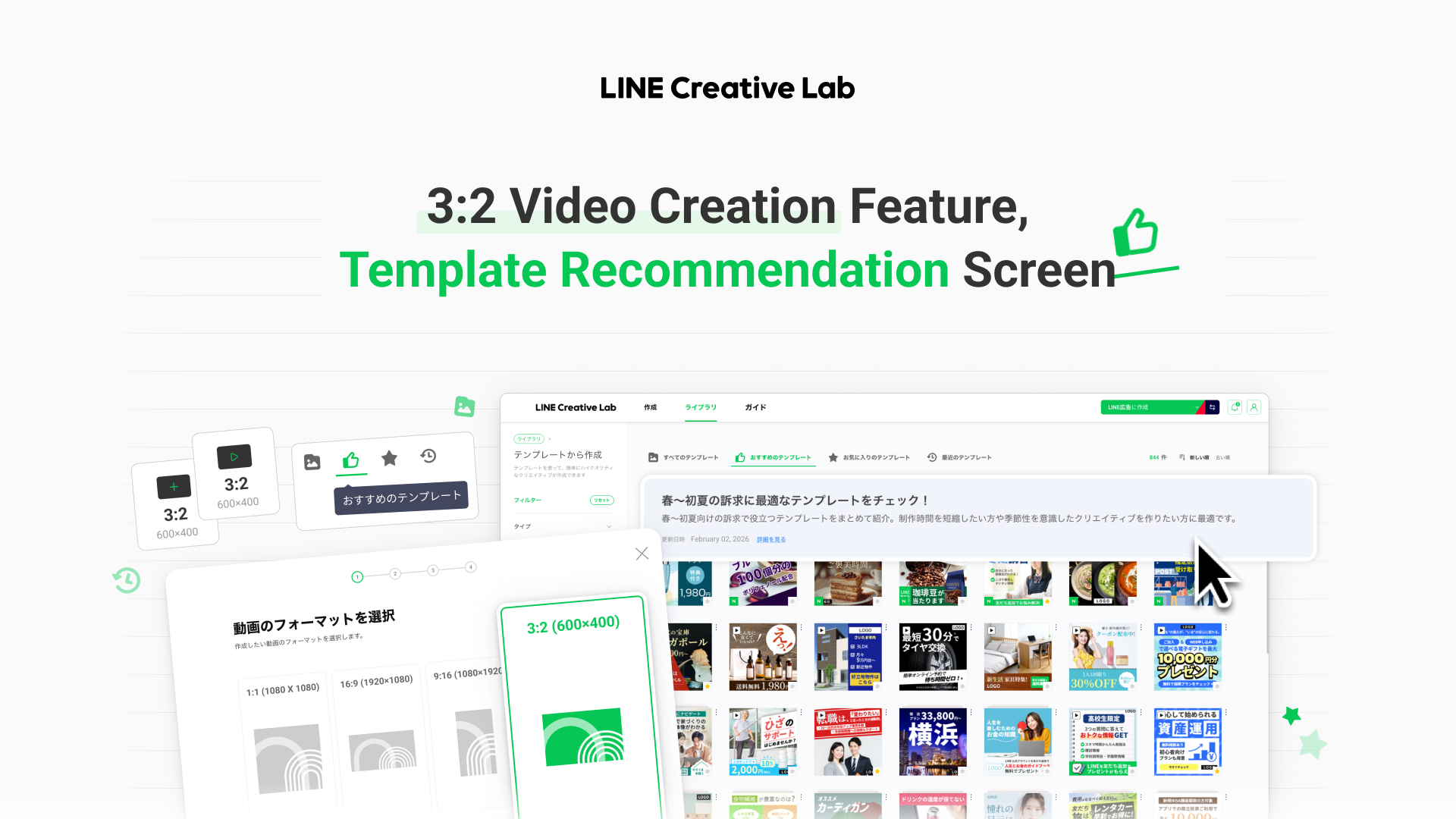
In this update, a new Template Recommendation section has been introduced, along with new features for creating 3:2 ratio image and video ads optimized for Yahoo Display Ads.
- With these updates, advertisers can create display ad creatives more quickly and reliably,
without the burden of manually handling ad specifications.
02 Key Update 1
New Aspect Ratio(3:2) Image & Video Creation for Yahoo Display Ads
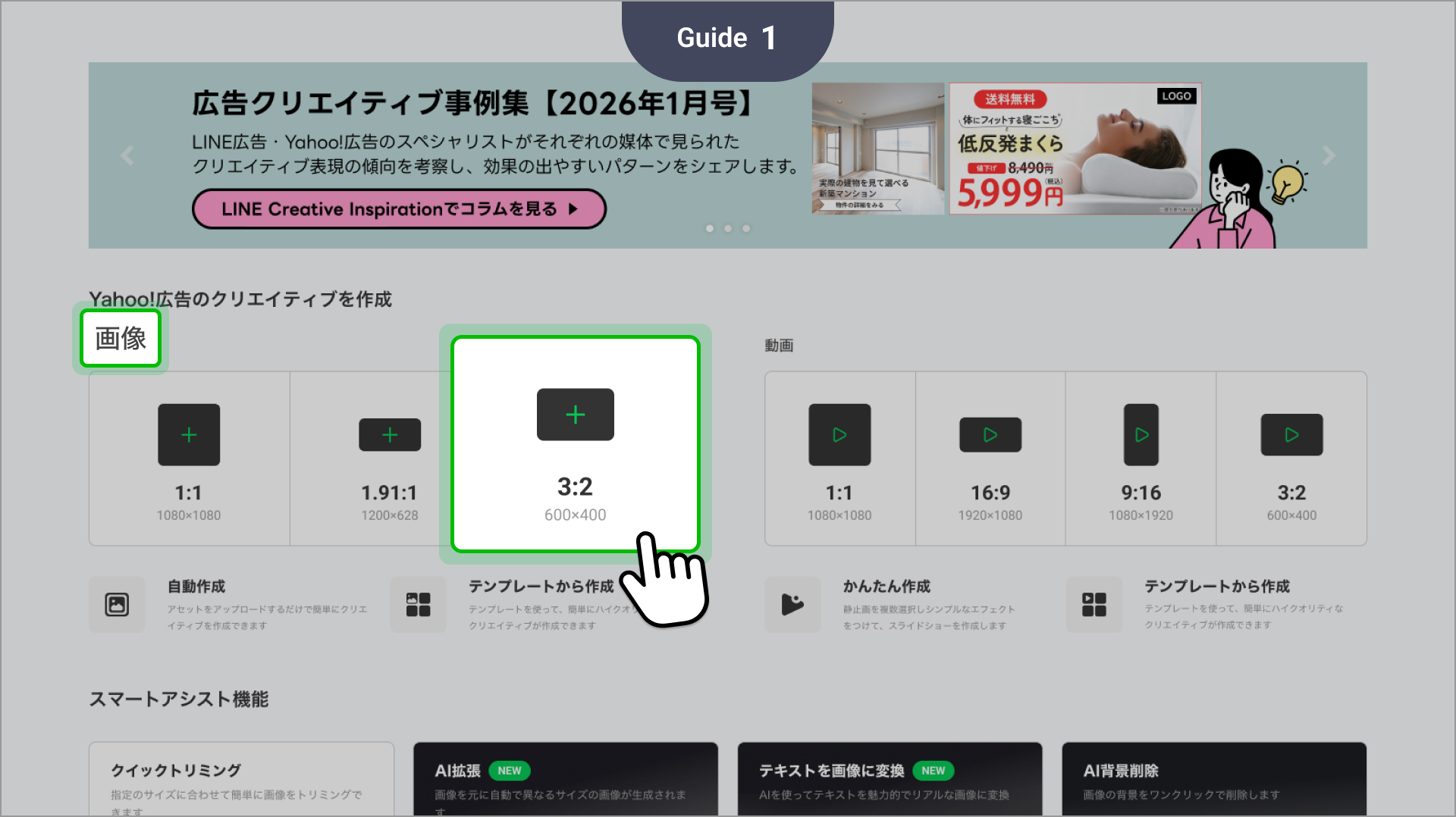
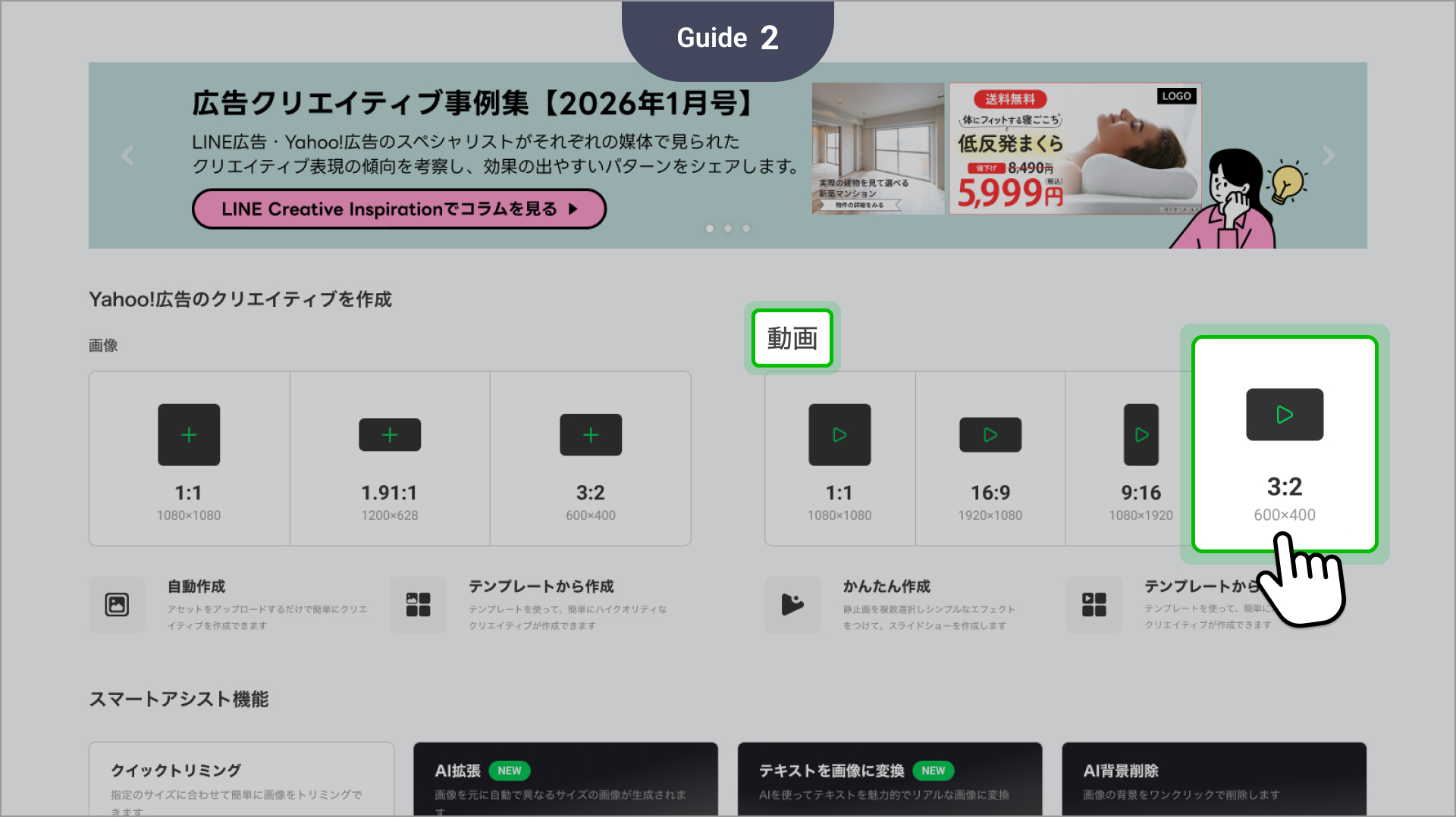
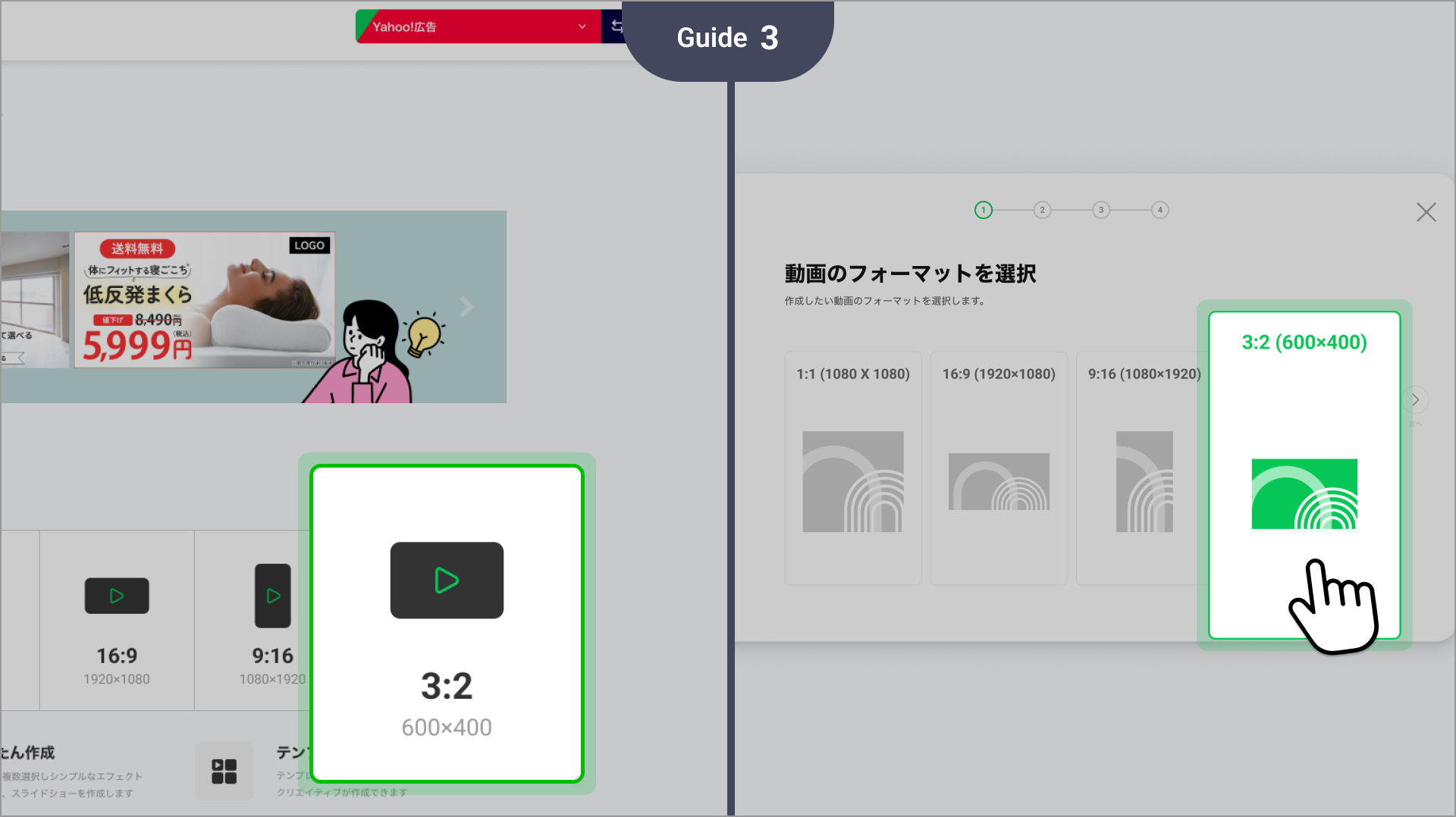
- Key Features
- Supports the creation of 3:2 ratio images and videos that meet Yahoo Display Ads specifications
- Provides a consistent creation flow for both image and video production - Expected Benefits : Enables faster creation of creatives that meet ad format requirements
- How to Use
- Create Page: Select the 3:2 image size to start creating
- Create Page: Select the 3:2 video size to start creating
03 Key Update 2
Template Recommendation Feature
- Key features
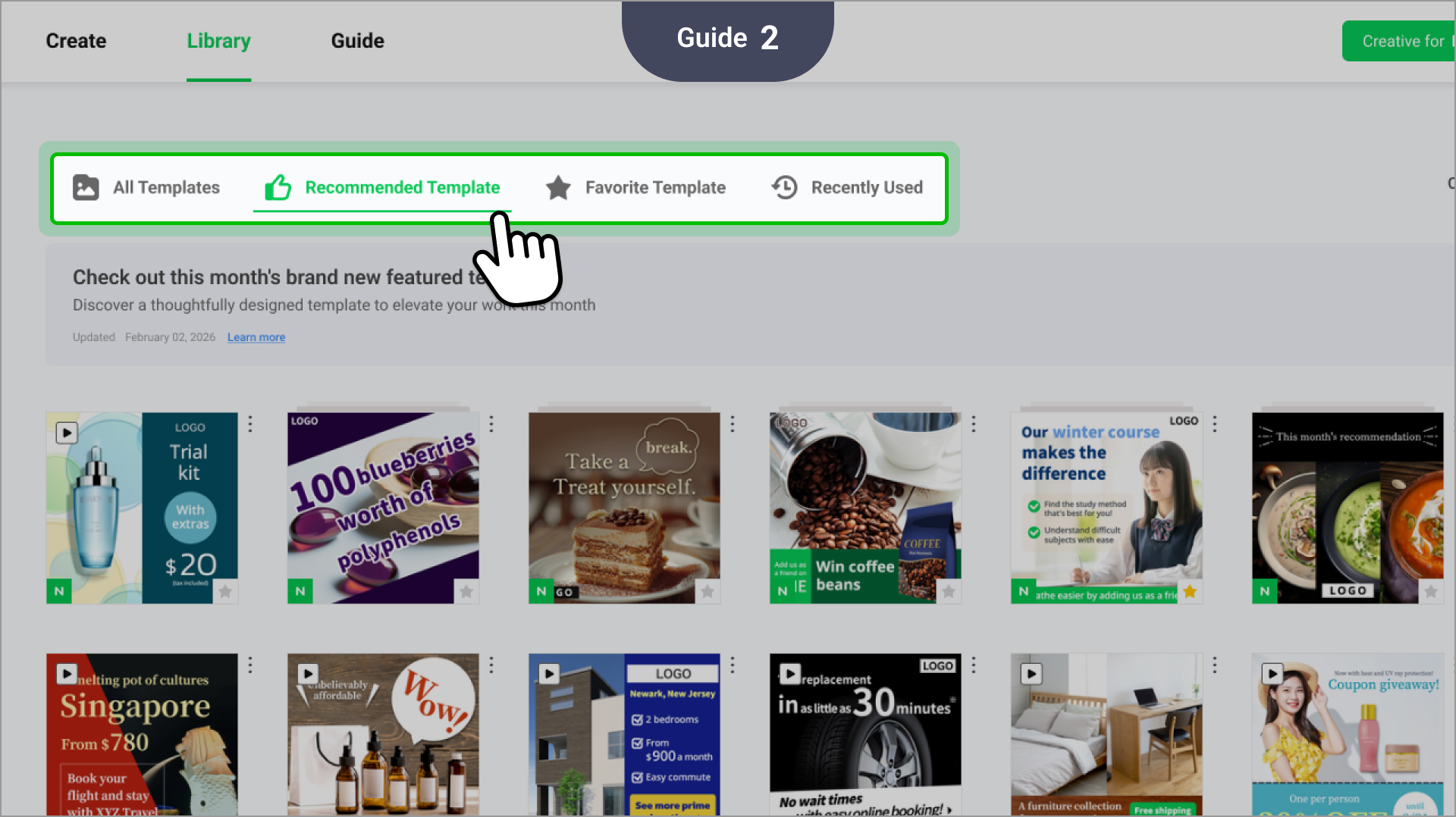
- Introduces a new recommended templates section in CLAB.
- Suggests templates tailored to advertising seasons or curated specifically for beginners.
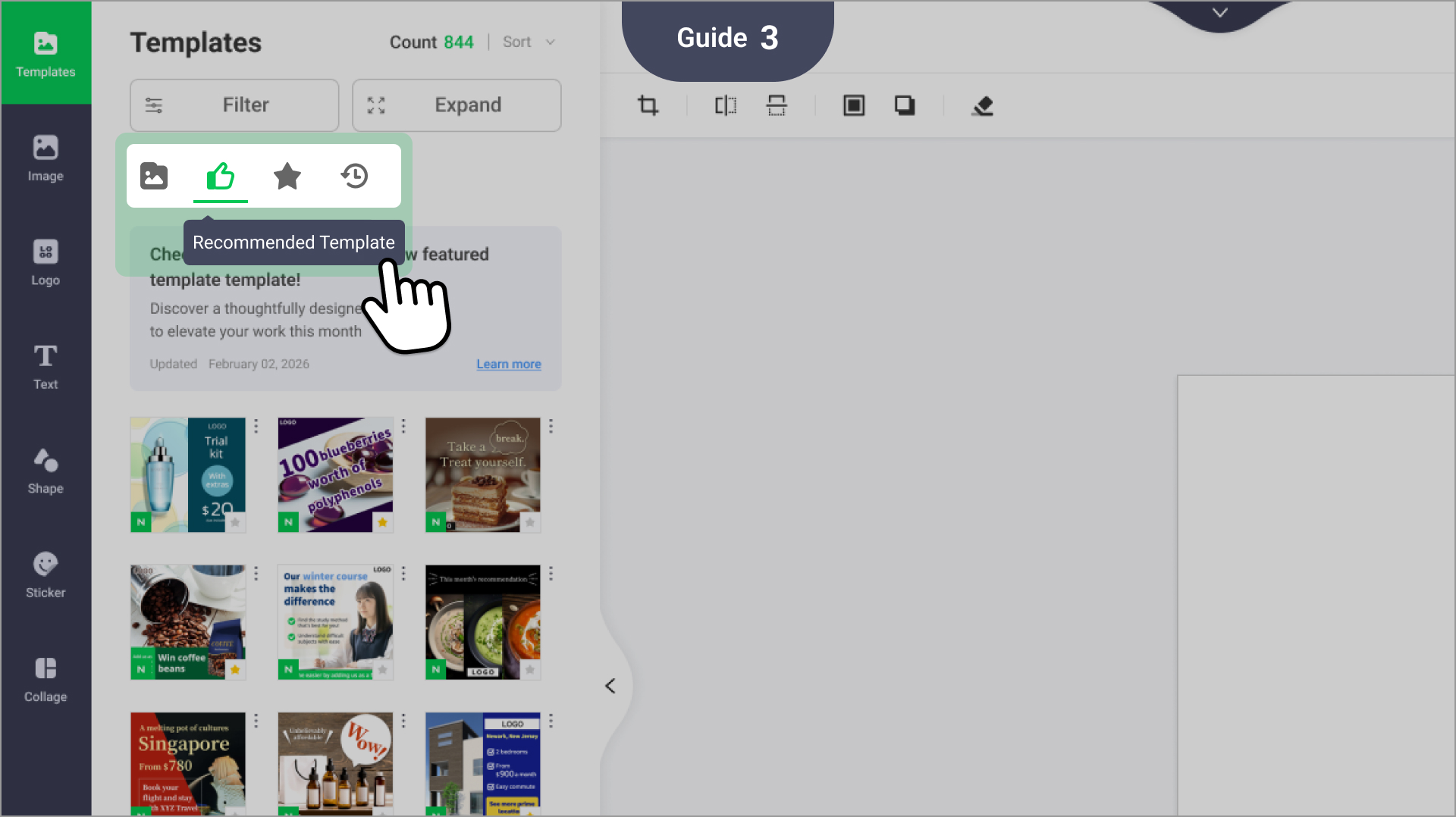
- Instantly opens selected templates in the image or video editor.
- Allows first-time users to quickly make high-quality creatives. - Expected benefits
- Reduces the time spent browsing through a large library to find the right template. - How to use
- View and immediately use curated designs from the Recommended Template tab under Library > Use Template.
- You can also access these templates directly from the Recommended Template tab in the image editor.
03 Key update 3
Send Rich menus/messages directly
to LINE Official Accounts
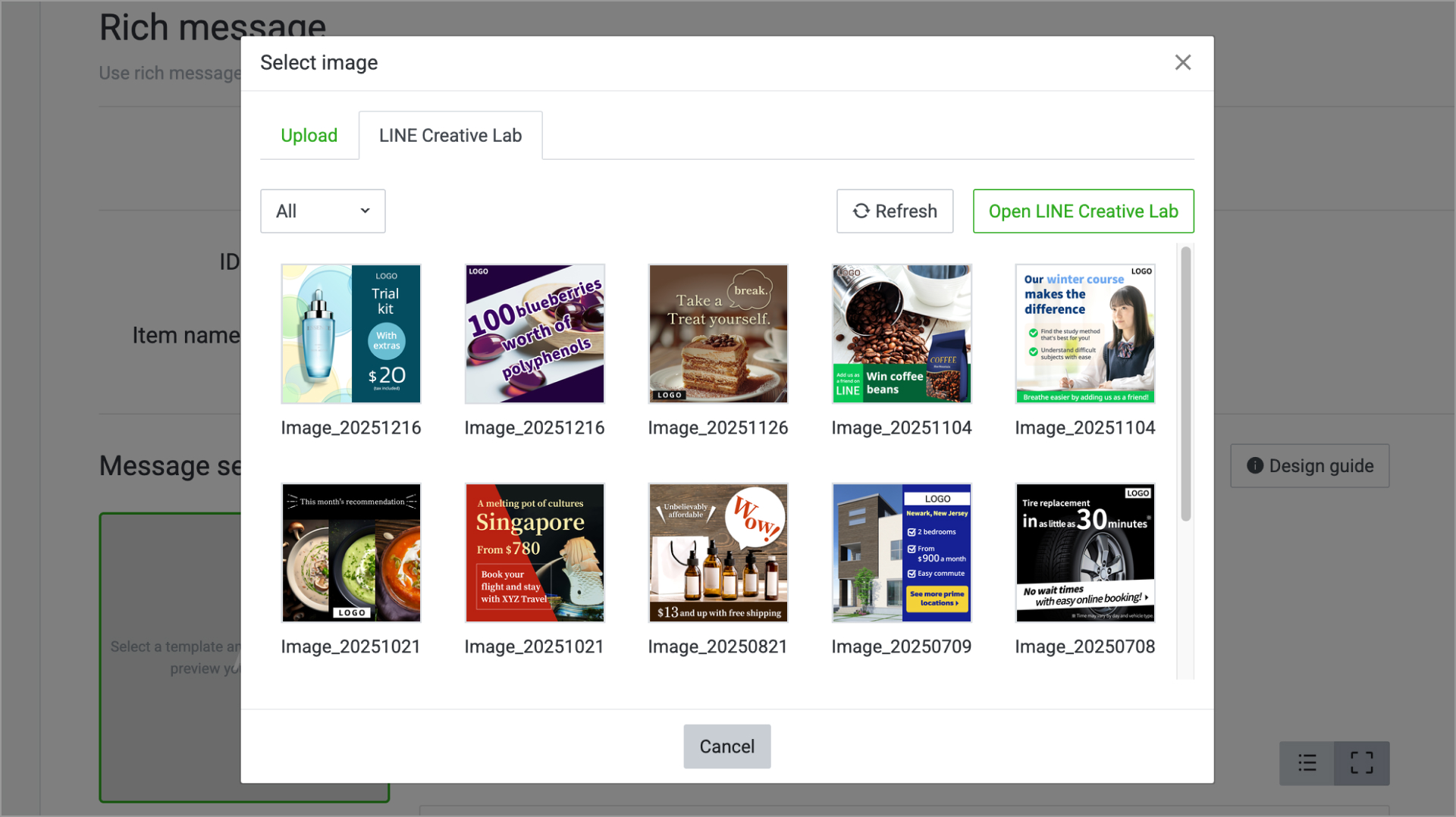
Now you can send Rich menus/messages created with Adobe in CLAB.
- Just click Send to LINE Official Account in the internal Adobe SDK in CLAB. You can immediately confirm the sent creatives in the Official Account CMS.
- Location: LINE Official Account Manager > Rich messages > Select image > 'LINE Creative Lab' tab - Please be aware that sizes outside of the specifications below may not be available for immediate review within the Official Account CMS:
- Large Rich menus : 2,500 × 1686 px
- Compact Rich menus: 2,500 × 843 px
-Rich message: 1,040 × 1,040 px